
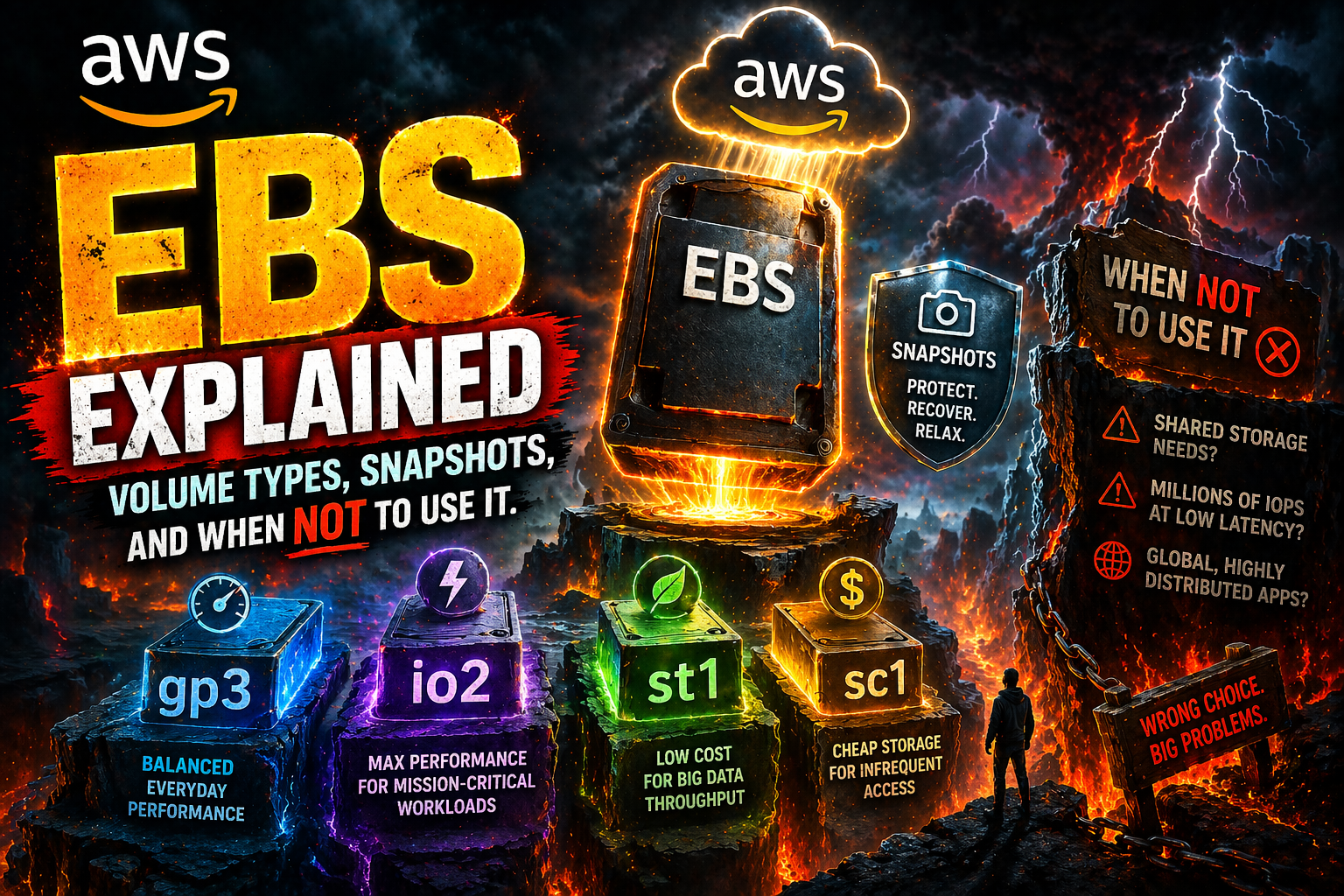

AWS EBS (Elastic Block Store) is persistent disk storage for EC2 — but choosing the wrong type or using it in the wrong architecture can cost you performance and money.
Use gp3 for most workloads, io2 for high-performance databases, and avoid EBS entirely when S3 is the better fit.
This guide breaks down volume types, snapshots, cost traps, and real-world decisions. :contentReference[oaicite:0]{index=0}
🧠 What is AWS EBS?
AWS EBS is block storage that attaches to EC2 instances like a disk.
- Persistent → data survives restarts
- Block storage → behaves like a raw disk
- AZ-bound → works only within one Availability Zone
👉 Unlike S3 (object storage) or EFS (file storage), EBS is designed for operating systems and databases.
⚡ EBS Volume Types (Quick Comparison)
| Type | Best For | Performance | Cost |
|---|---|---|---|
| gp3 | General workloads | Balanced | Low |
| io2 | High-performance DB | Very High | High |
| st1 | Big data, logs | High throughput | Medium |
| sc1 | Archive | Low | Very Low |
🔷 gp3 (Default Choice)
- 3,000 baseline IOPS
- Independent scaling (IOPS + storage)
- ~20% cheaper than gp2
👉 Use for:
- Web apps
- Boot volumes
- Most production workloads
🔶 io2 (High Performance)
- Up to 256,000 IOPS
- Sub-millisecond latency
- Expensive
👉 Use for:
- Enterprise databases
- Latency-critical systems
📦 st1 & sc1 (HDD Storage)
st1: large sequential workloads (logs, analytics)
sc1: cheapest storage for rarely accessed data
🧠 EBS vs EFS vs S3 (Critical Decision)
| Feature | EBS | EFS | S3 |
|---|---|---|---|
| Type | Block | File | Object |
| Access | Single instance | Multiple | HTTP/API |
| Best For | Databases | Shared files | Storage, backups |
Rule:
- Use EBS → EC2 disk
- Use EFS → shared filesystem
- Use S3 → scalable storage
❌ Biggest mistake: using EBS where S3 is enough.
💾 Snapshots (Backup Strategy)
Snapshots store backups in S3.
aws ec2 create-snapshot \
--volume-id vol-123 \
--description "backup"
👉 Best practice:
- Automate with Data Lifecycle Manager
- Set retention (e.g. 7 days)
❌ Mistake: keeping all snapshots → huge bills
🔐 Encryption (Must Enable)
aws ec2 enable-ebs-encryption-by-default👉 Always enable encryption — no performance impact.
💸 Common Cost Mistakes
- Unused volumes (not attached)
- Using gp2 instead of gp3
- Over-provisioned io2 IOPS
- No snapshot retention
⚡ When NOT to Use EBS
- Static files → use S3
- Shared storage → use EFS
- Global apps → use S3
👉 EBS is not universal storage.
🔗 Learn by Doing (Hands-On Labs)
🔗 Related Articles
❓ FAQs
What is AWS EBS used for?
EBS is used as disk storage for EC2 instances, especially for databases and applications.
Is EBS better than S3?
No. EBS is for block storage, while S3 is for scalable object storage.
Which EBS type should I use?
gp3 is recommended for most workloads.
Are EBS snapshots expensive?
They can be if not managed — always set retention policies.