
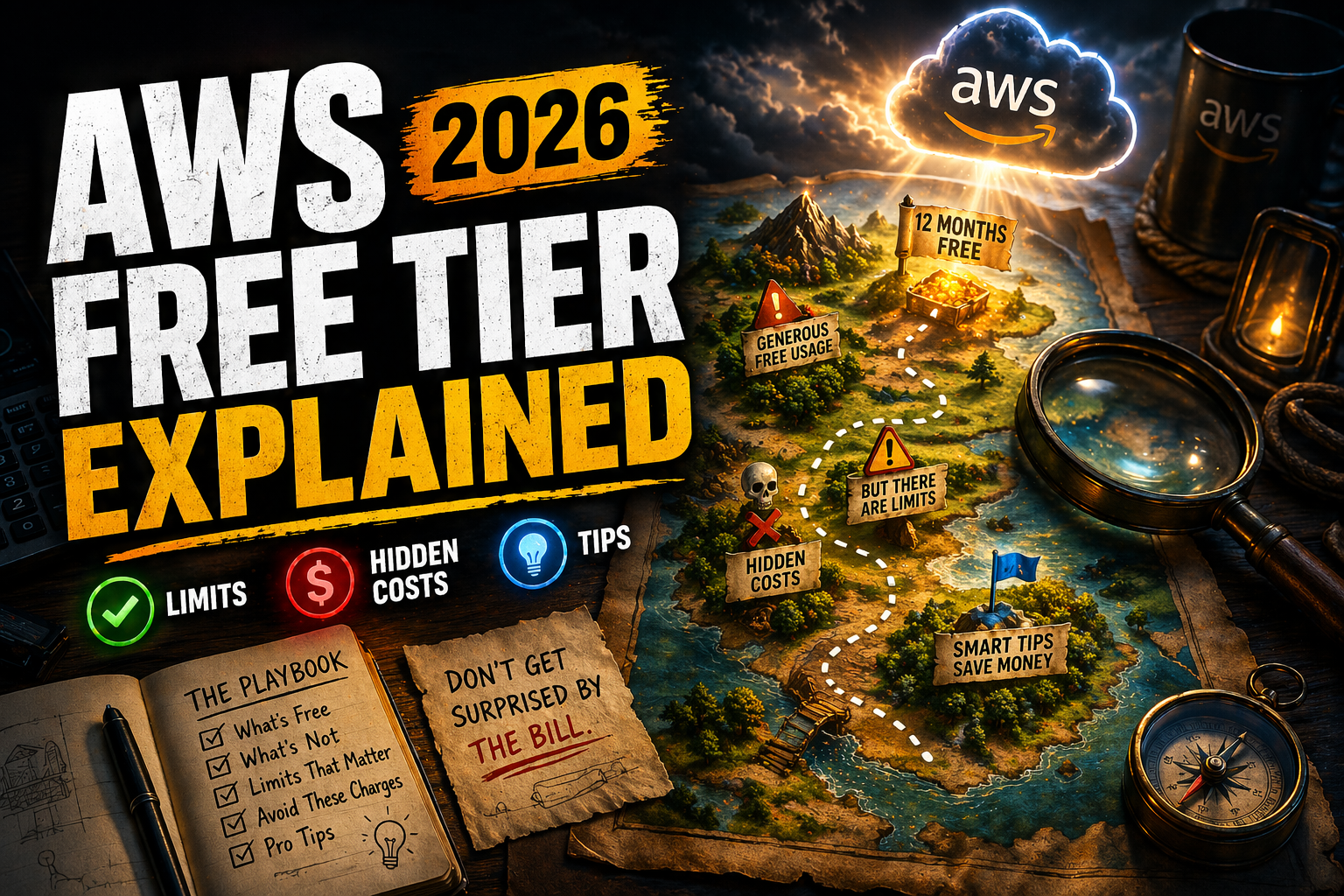

AWS Free Tier sounds simple — but this is where most beginners get their first unexpected bill.
AWS Free Tier gives you limited free usage of services for 12 months (and some always-free services).
The problem? It’s not truly “free” unless you understand the limits.
🧠 What is AWS Free Tier?
The AWS Free Tier allows new users to use certain AWS services for free within specific limits.
- 12-month free tier (for new accounts)
- Always free services (limited usage)
- Trials for specific services
👉 It’s designed to help you learn and experiment — not run production workloads.
⚙️ What’s Included in AWS Free Tier
| Service | Free Limit |
|---|---|
| EC2 | 750 hours/month (t2.micro / t3.micro) |
| S3 | 5 GB storage |
| RDS | 750 hours/month (db.t3.micro) |
| Lambda | 1 million requests/month |
👉 These limits reset every month.
📦 Real Example (Where People Get Charged)
You launch:
- 1 EC2 instance (free)
- But attach a large EBS volume ❌
- And leave it running 24/7 ❌
👉 Result: You get billed.
Why? Because storage and additional usage go beyond free tier limits.
🚨 Hidden Costs You Must Know
- Data transfer (especially outbound) ❌
- Extra storage (EBS, S3) ❌
- Running multiple instances ❌
- Using non-free instance types ❌
👉 These are the biggest reasons beginners get billed.
⚡ How to Avoid AWS Charges (Important)
- Always use free tier eligible services
- Stop resources when not in use
- Set up billing alerts
- Monitor usage in AWS Billing Dashboard
👉 This alone can save you from surprise bills.
❌ When NOT to Use Free Tier
- Production applications
- High traffic workloads
- Large databases
👉 Free Tier is for learning — not scaling.
💡 Pro Tips (Most Beginners Miss This)
- Use t3.micro only for EC2
- Delete unused resources regularly
- Use AWS Pricing Calculator before scaling
- Avoid leaving services running overnight
🔗 Learn by Doing (Hands-On Labs)
The safest way to learn AWS without billing risks:
👉 These use controlled environments so you can’t accidentally overspend.
🔗 Related Articles
❓ FAQs
Is AWS Free Tier really free?
Yes, but only within usage limits. Exceeding limits results in charges.
How long does AWS Free Tier last?
12 months for most services, plus some always-free services.
Why did AWS charge me?
You likely exceeded free tier limits or used non-free services.
Can I use AWS Free Tier for production?
No, it’s meant for learning and testing only.